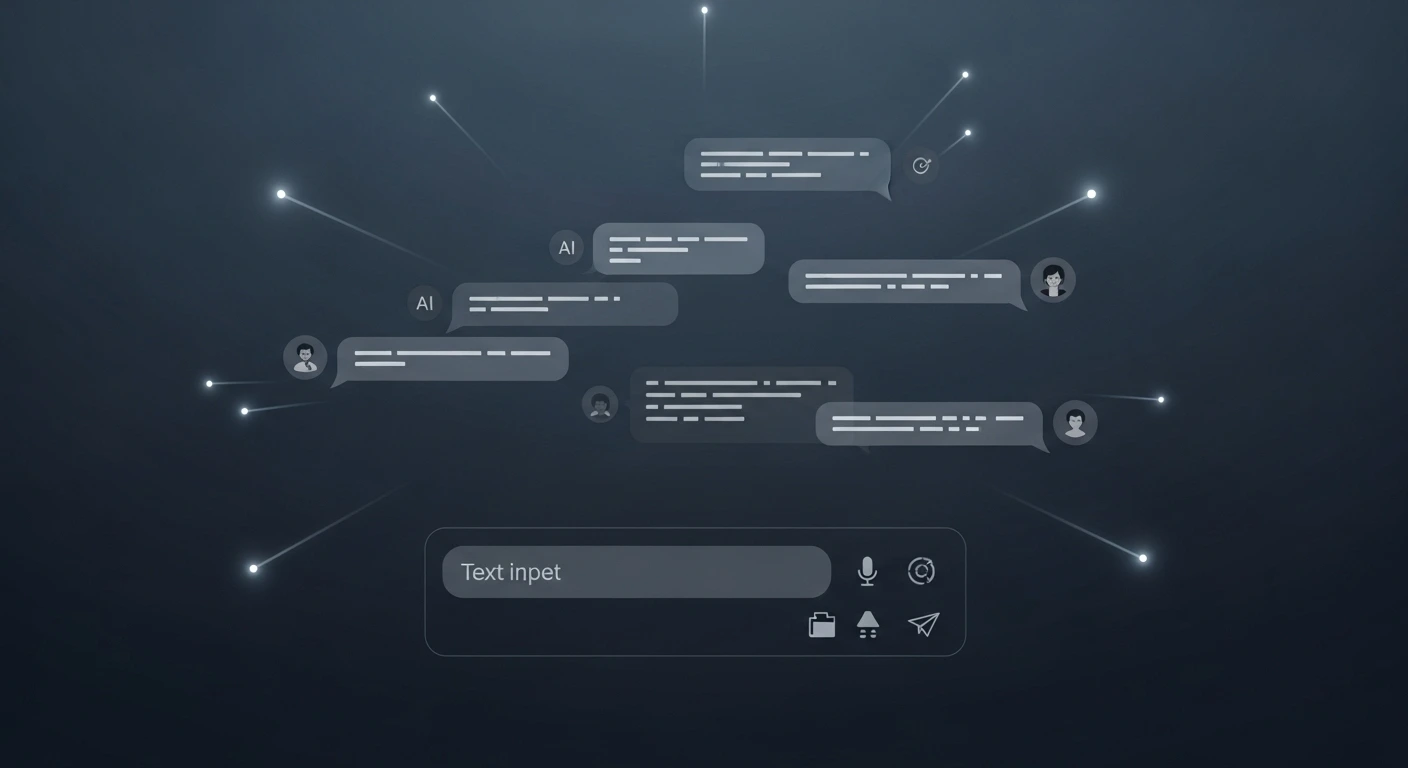
What Happens When You Build Your Own ChatGPT?
We've all become familiar with powerful AI assistants like ChatGPT and Gemini. They're incredible tools, but they're also "black boxes"—we use them, but we don't see how they're built or control the core experience.
As a developer passionate about the future of technology, I believe in looking under the hood. That's why I launched this "R&D" (Research & Development) project: to build a complete, interactive chat experience from scratch.
This isn't just about copying what's out there. It's about understanding the building blocks of modern AI tools to see how they can be customized, secured, and harnessed for specific business needs.
The Project: A Custom-Built AI Chat Portal
I call this experiment the "DeepSeek WebUI."
At its heart, it's a private, web-based chat application. You open a website, and you can have a natural, flowing conversation with an AI.
But the magic is in how it's built:
- A Modern "Face" (The Interface): The chat window you see is built with modern tools (specifically, React) to be fast, responsive, and feel intuitive, just like the apps you use every day.
- A Smart "Brain" (The Server): This is the command center that connects your chat messages to a powerful AI model (DeepSeek) running on a private system (Ollama). This ensures all the "thinking" happens efficiently.
- A Real Conversation: The goal was to make it feel real.
- It Remembers: The chat has a "memory," so you can refer back to things you said earlier in the conversation.
- It "Thinks": You see the little "bot is typing..." effect, which creates a more natural, less robotic pace.
- It's Instant: The connection between you and the AI is in real-time. There's no "submit" button for every message; it's a seamless flow.
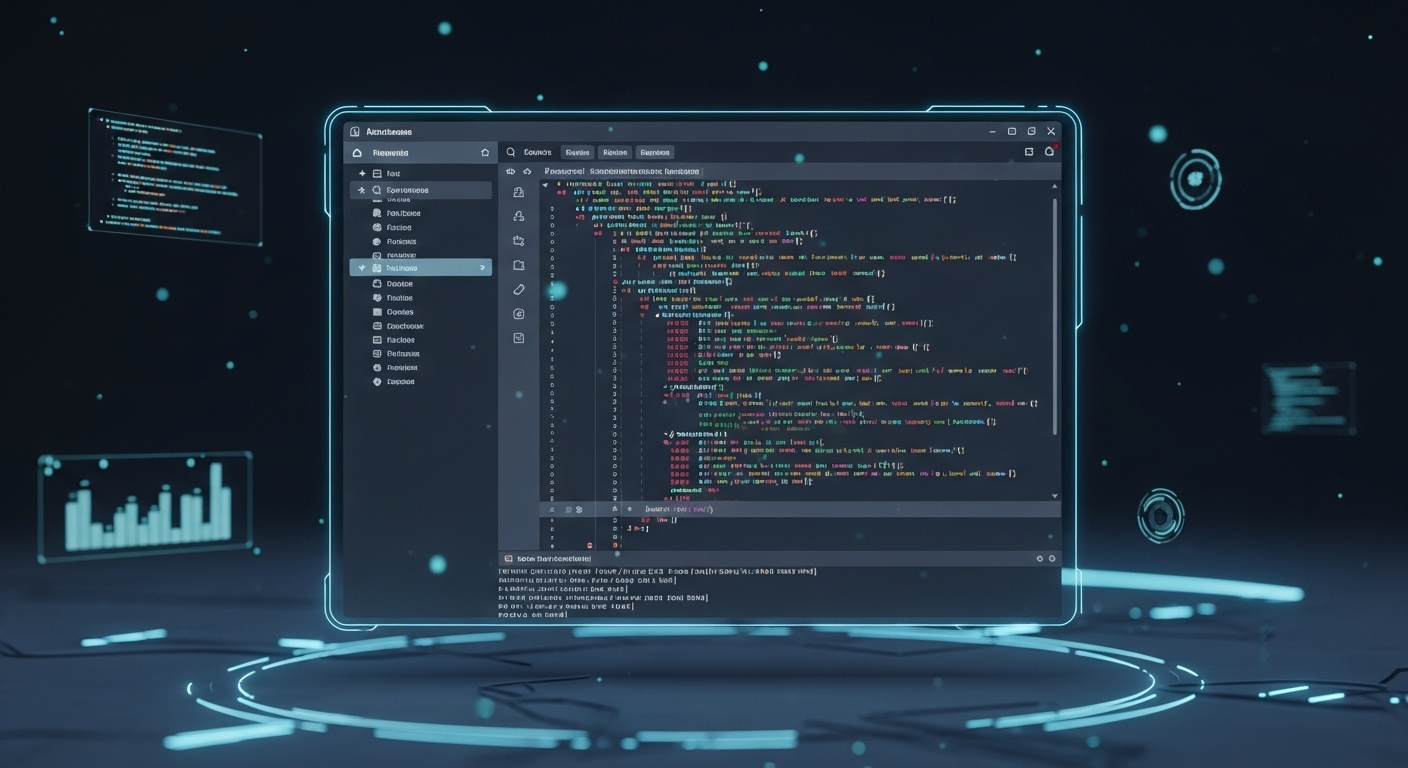
DeepSeek WebUI is a browser-based interactive chat interface that leverages DeepSeek R1 via the Ollama framework. This project consists of a React frontend (UI) and a Node.js backend (server) to facilitate real-time interactions with DeepSeek models, simulating a chat experience similar to Gemini and ChatGPT, including memory retention and bot typing effects.
Features
- Frontend (UI) - React:
- Chat interface with a human-readable format for DeepSeek R1 responses.
- Supports inline code, multi-line code blocks, headings, text styles, and more.
- Streams responses in real time for a smooth chat experience.
- Fetches responses from the backend using fetch API.
- Backend (Server) - Node.js:
- Exposes an API endpoint for processing messages via Ollama.chat.
- Streams bot responses for real-time typing effects.
- Implements chat memory to maintain conversation context.
- Supports custom DeepSeek models (default: deepseek-r1:7b).
Folder Structure
root/
│-- server/ # Node.js backend (API server)
│-- ui/ # React frontend (chat interface)
Prerequisites
Before setting up DeepSeek WebUI, ensure you meet the following requirements:
- DeepSeek Model: Must be installed manually (refer to DeepSeek on Hugging Face).
- Ollama: Required to serve the model locally. Install from Ollama's official site.
- Hardware Requirements: (Minimum for deepseek-r1:7b)
- CPU: 8-core (Intel i7-12700H recommended for smooth performance)
- RAM: 16GB+ (Higher RAM improves performance)
- Storage: SSD recommended for fast model loading
- GPU: Recommended for faster inference (supports CUDA & ROCm acceleration)
Installation & Setup
1️⃣ Install Ollama
curl -fsSL https://ollama.com/install.sh | sh
or if you are using windows 11, download from https://ollama.com/
2️⃣ Download & Setup DeepSeek Model
ollama pull deepseek-r1:7b
(Or use deepseek-r1:1.5b for lower resource usage)
again if you're windows 11 user, you can simply runs ollama run deepseek-r1:7b on drive C:\ with admin permission. This will download the model r1:7b (around 4-5gb - only downloading once on setup) and then it will "serve" the ollama locally
3️⃣ Clone the Repository
git clone https://github.com/hernandack/deepseek-webui.git
cd deepseek-webui
4️⃣ Install & Run Backend (Node.js API Server)
cd server
npm install
npm install -g nodemon
nodemon server.js
Server will run on http://localhost:3000/
5️⃣ Install & Run Frontend (React UI)
cd ../ui
npm install
npm run dev
UI will run on http://localhost:5173/ (or the Vite default port)
Usage
- Open the React UI in your browser.
- Type a message and send it.
- The response will stream in real-time.
- The chat maintains conversation memory for better context understanding.
- This is tested on Intel i7 12700H with 16GB ram and RTX3060 (CUDA) with very smooth experience
Customizing Model
By default, DeepSeek WebUI uses deepseek-r1:7b. To change the model, update server.js:
const stream = await ollama.chat({
    model: "deepseek-r1:7b",  // Change model here
    messages: [{ role: "user", content: message }],
    stream: true
});
Supported models:
- deepseek-r1:7b (recommended)
- deepseek-r1:1.5b (lower resource usage, but reduced performance)
- You can use higher model but it might need way higher resource than 7B
Contributing
I welcome contributions! If you find a bug or have an idea for improvement, feel free to open an issue or submit a pull request.